Seller guide
How to set up a GMV Max campaign
You have already decided to run GMV Max. Seller Center is where you build the campaign, and you still need an ROI target and a daily budget you can stand behind.
Run your order through the GMV Max ROAS planner
How do I turn on GMV Max?
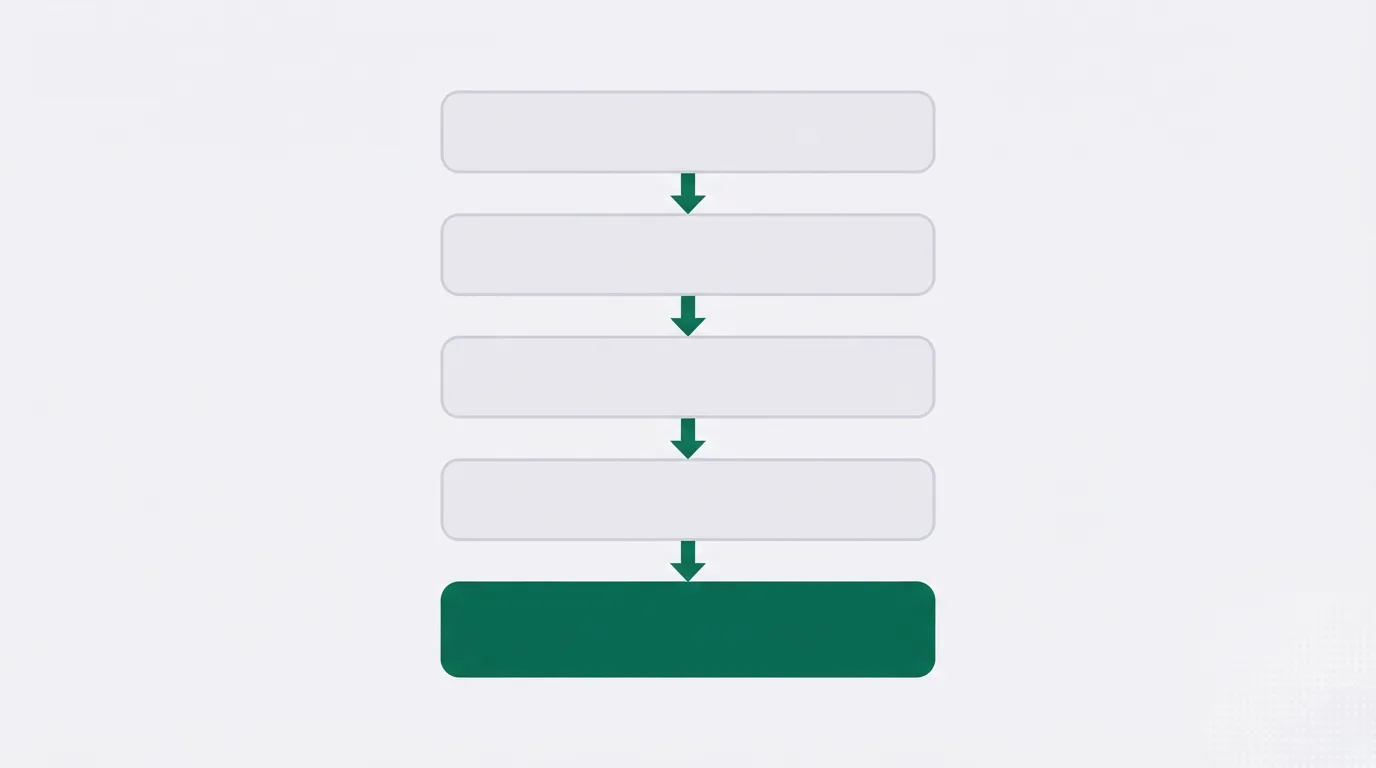
In Seller Center, open Shop Ads, click Create GMV Max ads, choose Promote products, set an ROI target and a daily budget, then click Publish. Those steps match TikTok's guide to creating Product GMV Max ads. The GMV Max guide explains how to tell whether an order still makes money after fees.
- Open Seller Center and click Shop Ads in the left-hand menu.
- Click Create GMV Max ads.
- Choose Promote products.
- Enter the ROI target and the daily budget.
- Click Publish.
The sections below cover what to sort out first, and what to enter for the ROI target and the daily budget. A shop that has not connected an ad account will not see the Shop Ads menu yet.
Link the ad account before the Shop Ads menu appears
TikTok's US advertising guide says a first-time setup may require binding a Primary Ad Account, a Business Center and a TikTok account. Only a Shop Admin or a Business Center Admin can connect the shop in Ads Manager.
If the Shop Ads menu is not in the left-hand column, link the ad account before you create the campaign.
Switching the GMV Max ad account with the gear icon turns off every GMV Max campaign that is already running. You then create them again in the new account. The other Seller Center screens, including statements and payouts, are mapped in the Seller Center guide.
Clear the other ads on those products
Product GMV Max is available in the United States, the United Kingdom, Indonesia, Malaysia, the Philippines, Thailand, Vietnam, and Singapore. Publish only if the shop is in one of those markets.
If a product is already in a Video Shopping Ad, a Product Shopping Ad, or another GMV Max campaign, remove it from that campaign or close the campaign before this one can use the SKU.
Choosing every product adds two more cleanup steps. Close active Video Shopping Ads at the ad group level, and close GMV Max campaigns for specific products, across all ad accounts. Product Shopping ads pause when this campaign starts.
Promoting a short list means removing those products from Video Shopping Ads in every other ad account. Product Shopping ads then stop showing the products you selected.
GMV Max campaign setup, screen by screen
The five steps above open a form. Fill it in this order.
- Products. Choose Promote products, either every listing or the SKUs you name. The next section explains how to choose between them.
- Optimization goal. Choose an ROI target, the recommended figure or your own. The math for that figure is further down.
- Budget. Enter the daily amount the campaign may spend. The daily budget section below shows how TikTok sizes that amount.
- Schedule. Set a start date and time.
- For a US shop, the Reduce commission module is on the right of the form. The Reduce commission section below explains the toggles.
- Publish when the fields are filled.
Which products to add
One choice covers the whole catalog. The other names the SKUs in this campaign. The cleanup rules above differ for each, so pick the setting before you close the older ads.
TikTok's US guide recommends selecting all products for the widest result. For a new shop, the same guide recommends 3 to 7 best sellers, each in its own campaign.
The listings still need video, including posts from creators. The affiliate program guide covers how sellers get creators to post those videos. Software that sends the invites is ranked on the affiliate software list.
The GMV Max ROI target
In a US product campaign, ROI equals the total non-LIVE GMV of the selected products, divided by ad cost. Shop GMV is the sales figure in that numerator. A livestream campaign divides liveroom revenue by ad cost. That campaign is Live GMV Max, set up on its own.
TikTok's best-practices article sets the recommended ROI, once the shop has ad history, at historical non-LIVE GMV divided by historical ad cost. A lower target boosts delivery and GMV. A higher target can limit spend.
If the shop has no past performance data, start with the ROI and budget recommended on the form.
| Situation | What to enter |
|---|---|
| Ad history on the shop | Past non-LIVE GMV divided by past ad cost |
| No performance data yet | The ROI and budget shown on the form |
| New US shop or new product | Max Delivery for 5 to 7 days, or an ROI around 1.5 to 2.0 |
For a new seller or a new product, the US guide suggests Max Delivery, which prioritizes GMV over ROI. It suggests running that mode with a daily budget for 5 to 7 days when the target is still uncertain. If you type a target instead, the same guide suggests starting around 1.5 to 2.0 so delivery volume stays high. Those figures are TikTok's cold-start notes for US shops. The campaign form asks you to choose an ROI target, either the recommended figure or your own.
Sellers who raise the target in one large step report that spend drops while the return on the dashboard barely moves. Keep each ROI setting for at least three full days before you change it. The US guide also says to wait at least three days before you judge the result.
The GMV Max ROAS planner turns one order into a break-even return, using your product cost and the referral fee and creator commission. Compare that break-even figure with the target before you publish. A target set far above the shop's past return can limit how much the campaign spends.
Run your order through the GMV Max ROAS planner
Daily budget and how long it runs
In the Budget section, enter the daily budget, the recommended amount or your own.
| TikTok's line | Daily budget |
|---|---|
| Best-practices article | Twice past non-LIVE GMV, divided by the ROI target. Keep consumption under 80 percent, and raise the budget when performance improves |
| US advertising guide | Higher than past GMV divided by the target ROI |
TikTok gives you both formulas, and each formula gives a different budget. Use the best-practices multiple when you are following that article. Use the US floor when you are following the US guide. The schedule sets the start date and time, and the campaign runs continuously after that start.
Videos the campaign can use
Use Auto-select for videos. TikTok says that option looks through videos you already have and videos you add later, with no cap. It also says to leave affiliate posts switched on. A full creative setup, including how a creator authorizes a post, is in the affiliate program guide linked above.
The US Reduce commission module
For a US shop, the right side of the form shows a Reduce commission module, a recommended ROI percentage, and the products in the campaign. The toggles control whether the whole shop stays eligible for that commission reduction. The percentage is the one TikTok displays for that shop.
After you click Publish
Reporting for the Product GMV Max campaign appears in the Overview tab in Seller Center. Compare shop sales in the week after the start with the week before you turned it on. The GMV Max guide explains which orders TikTok counts while the campaign is running.
Figures for shop GMV outside that tab are covered by the analytics tools for shop GMV. More seller guides are on the guides hub.
My take
I'd start with the break-even figure from the planner, before I enter a target. A shop with ad history can use the historical formula and leave that number unchanged for three days, even when daily spend is slow. A new US shop can follow the US guide and run Max Delivery for 5 to 7 days before setting a high target.
I'd skip any target under that break-even figure when the product has to stay profitable after the referral fee and creator commission. The dashboard can look strong on a day when the order still loses money. Compare the week before the campaign with the week after, in the Overview tab, before you treat the ROI as profit.
GMV Max setup questions
How do I turn on GMV Max?
Should I use the recommended GMV Max ROI target?
Why can't I add my SKU?
What is the difference between Max Delivery and a target ROI?
How long should I wait before changing the ROI?
Changelog
23 October 2026. How to create the campaign in Seller Center, which product ads conflict, what to enter for ROI and budget, and TikTok's US cold-start notes.
Related reading
- Break-even target in the ROAS planner
- Is GMV Max worth it for your shop?
- What is TikTok Live GMV Max?
- Seller Center menus before you open Shop Ads
- What GMV means on TikTok Shop
- Affiliate videos GMV Max can pull in
- Referral fee and commission on each order
- Analytics tools for shop GMV outside Seller Center
- Affiliate software ranked by invite caps
- TikTok Shop tools that work for UK sellers
- All seller guides
Sources
Written by
Nora Whitfield
Editor covering seller tools and fee calculators
Nora Whitfield edits GMV Ledger's reviews, comparisons and calculators. She reads each vendor's pricing page, feature pages and help docs, then seller forums and review sites, and notes when a price or a limit should change what a seller buys. She checks fee figures against TikTok Shop's Seller University pages before they reach a calculator.
Last checked 2026-10-23
Comments
No comments yet. Questions and your own experience are welcome.
Thank you. Your comment will appear once it has been reviewed.