Seller guide
Get TikTok Shop creators selling your products
Your shop is live and Affiliate Center is empty because no product is enrolled yet. Add at least one product to open collaboration with a commission rate, then invite specific creators through a target collaboration, since TikTok pays that commission only when an affiliate order settles.
See how to find and pay creators
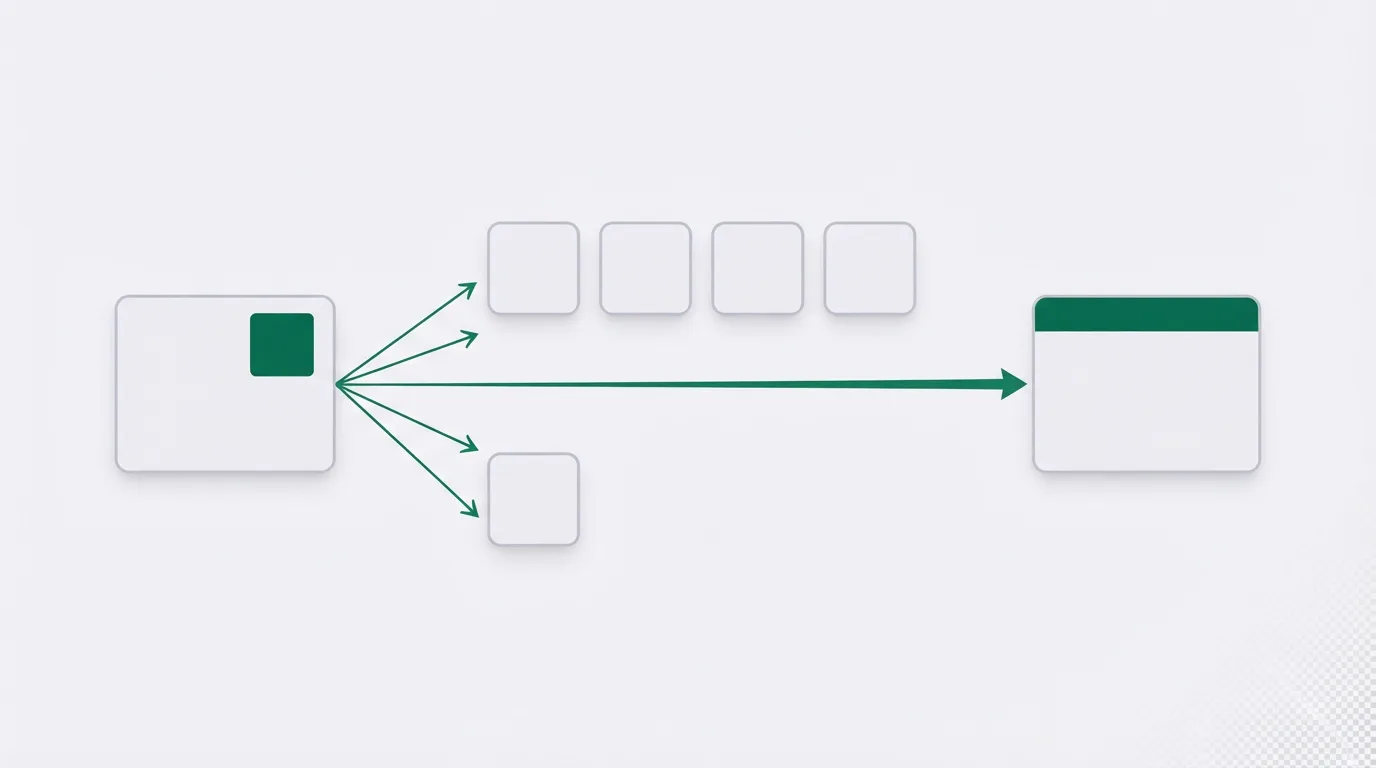
Two ways to put a product in front of creators
TikTok's Seller University article on collaborations separates the programs by who can see the product. An open collaboration makes products visible for promotion to all TikTok Shop creators. A target collaboration invites certain creators to promote specific products, and they can begin promoting as soon as they accept the invitation.
The same product can sit in both. When it does, the target rate always supersedes the open rate. TikTok's guidance on that page is to set the invited rate higher, so the creators you asked are paid more than someone who found the listing on their own.
For the open listing, TikTok's ads help lets you choose an affiliate commission between 1% and 80% of GMV for each order. The other option is an optimized rate based on the top performing 30% of products in your shop and in the product marketplace.
A US shop needs a score of 3.5
You need an approved shop with products already listed. If you are still in registration, follow how to open a TikTok Shop seller account for the US steps and the documents a UK sole trader uploads.
TikTok's eligibility article requires a Shop Performance Score of 3.5 or above before a US shop can run affiliate marketing. The score runs from 0 to 5 and is averaged over 90 days. It shows up after the shop has at least 30 delivered orders in the past 90 calendar days.
A score between 3.0 and 3.5 blocks new affiliate products. Collaborations already running stay in place.
Some sellers report the tools stay locked by a performance flag, including a high negative review rate, even when the reviews they can see look acceptable. If the error on screen is not explained by the score, copy that text and open a support ticket. A ticket is how those sellers escalate it, and it is not a guaranteed fix.
Enroll products from the Not added list
In US Seller Center, open Affiliate, then Open collaboration, then Not added. TikTok's setup article walks through that screen. You can select up to 50 products in one pass, or add a single product.
Set the standard commission on the batch before you save. If you also enable a Shop Ads commission, TikTok requires it to be at least 30% of that standard rate. Mexico and Brazil are excluded from the floor.
The same flow carries two optional controls. TikTok's collaboration article mentions a setting that requires you to approve creators, and a free-sample toggle on the batch. A free sample costs you the product and the postage, on top of the commission paid when a sale settles. Approval timers, refundable samples and the posting rule are in how TikTok Shop free samples work.
Seller reports from 2025 describe shops where that approval control was gone and every creator who opted in was accepted. TikTok's article still lists the control. If the approval switch is missing on your screen, creators who opt in can promote the listing. You pick people by sending invites.
Auto-add new products decides what happens to the next listing. Left on, a new product joins that listing without a separate step. Sellers describe the result as a rush of orders from creators who post very little. Turning the switch off keeps future listings out. Products already enrolled stay enrolled.
Those menu names are the US labels. UK and EU Seller Center wording differs. If a label is missing, use the open-collaboration walkthrough in your own region's Seller University.
Send invites from Find Creators
Once at least one product is public, the invite path is for creators you already want. From Affiliate Center, open Target collaboration, or go to Find Creators and choose Invite. TikTok's Find Creators article includes a filter labelled "Not invited in past 90 days", so the same person does not receive another invite inside that window.
On a product listed in both programs, the invited rate is the one that applies, which is why it should sit above the open rate. Keep the sample rules the same on both, or one SKU is offering two deals.
Inviting from that screen is the native flow. Shortlists, sample volume, and when outreach software is worth paying for are in finding and paying TikTok Shop creators.
Creator commission comes off the payout
TikTok's page for sellers says you pay when a sale is made, and that the commission is paid to the creator automatically.
That amount is its own line, on top of the platform referral fee in the US (called a commission fee in the UK). Both can apply to one order. TikTok's UK payout FAQ says the affiliate amount is automatically deducted from your payout after the order is settled. The UK calculation page defines it as the commission rate times the product price after the seller discount and the platform discount.
Put both charges on the order before you publish a rate. TikTok Shop fees explained separates the platform fee from creator commission, and the TikTok Shop fee calculator lets you enter them together. The deduction is the same whichever way the order ships. Warehouse and label costs belong in Fulfilled by TikTok or shipping it yourself.
Auto-add and a falling score are the usual snags
If Auto-add is still on, the next listing joins on its own. That is the pattern sellers report when low-content posts start arriving. Check the switch, and the rate sitting on it, before you scale stock.
Look at the score each week once affiliate orders are a real share of revenue. A slip into that band stops new products from joining. Older collaborations keep running.
If nothing on the screen explains a block, save the error text and send it to TikTok support.
My take
I would start with one product, at a commission the margin can still carry after the platform fee, and I would leave Auto-add off until that rate is deliberate. Paid outreach can wait until invites are going out to creators you have already picked.
The gates and menus here are taken from TikTok's Seller University and ads help. See how GMV Ledger researches TikTok Shop policies.
See how to find and pay creators
Related reading
Sources
Written by
Nora Whitfield
Editor, seller tools and fee calculators
Nora Whitfield edits GMV Ledger's reviews, head-to-heads and calculators. She reads each vendor's own pricing, feature and help pages, then long-running seller threads and review sites, and writes down where a tool's price or limits change what a TikTok Shop seller should buy. She checks fee figures against TikTok Shop's Seller University pages before they reach a calculator.
Last checked 2026-10-20
Comments
No comments yet. Questions and your own experience are welcome.
Thank you. Your comment will appear once it has been reviewed.