Roundup
Best TikTok Shop tools, ranked by the job they do
You need to know what to sell, then get creators to sell it. These are the research and creator outreach tools worth a TikTok Shop seller's money, with the plan limit and the drawback for each.
Most TikTok Shop sellers end up paying for two kinds of software. A research tool shows which products, shops and creators are selling. An outreach tool sends the Target Collaboration invites, follow-ups and sample approvals that recruit creators into your affiliate program. Some sellers add a third for LIVE selling, and sellers who already run a Shopify or WooCommerce store need a connector that keeps products, orders and stock in step with TikTok Shop.
This list ranks the tools by how useful they are to the seller most likely to buy them, and each one gets a claim that no other tool on the list shares. Prices and trials come from each vendor's own pages. User experience comes from review sites and seller write-ups. We have not run paid campaigns through these tools, and our research method page says so.
Quick answer
Kalodata is our top pick for most people. Kalodata is the pick if you choose products from sales history and want the longest view of what a product, shop or creator has sold.
- Kalodata. Best for deep sales history.
- Reacher. Best for outreach at volume.
- FastMoss. Best for creator contacts and ads.
- Euka. Best for creator retention.
- EchoTik. Best for LIVE stream research.
- TikTok (Shopify sales channel). Best for zero connector cost.
- CedCommerce TikTok Shop. Best for WooCommerce and EU regions.
- LitCommerce. Best for selling on several marketplaces.
- VeriSync for TikTok Shop. Best for unlimited SKUs for less.
The tools side by side
| Tool | Job | Best for | Free trial | From |
|---|---|---|---|---|
| 1. Kalodata | Product research | deep sales history | 7 days, no card | Not listed |
| 2. Reacher | Creator outreach | outreach at volume | 10 days | $199/mo |
| 3. FastMoss | Product research | creator contacts and ads | 7 days, no card | Not listed |
| 4. Euka | Creator outreach | creator retention | Free trial, length not stated | $199/mo |
| 5. EchoTik | Product research | LIVE stream research | Free plan with no end date | Free tier |
| 6. TikTok (Shopify sales channel) | Store integration | zero connector cost | Free to install | Free tier |
| 7. CedCommerce TikTok Shop | Store integration | WooCommerce and EU regions | Free plan, 7-day paid trial | Free tier |
| 8. LitCommerce | Store integration | selling on several marketplaces | 7 days | $29/mo |
| 9. VeriSync for TikTok Shop | Store integration | unlimited SKUs for less | 14 days | $15/mo |
The ranked list
1. Kalodata: best for deep sales history
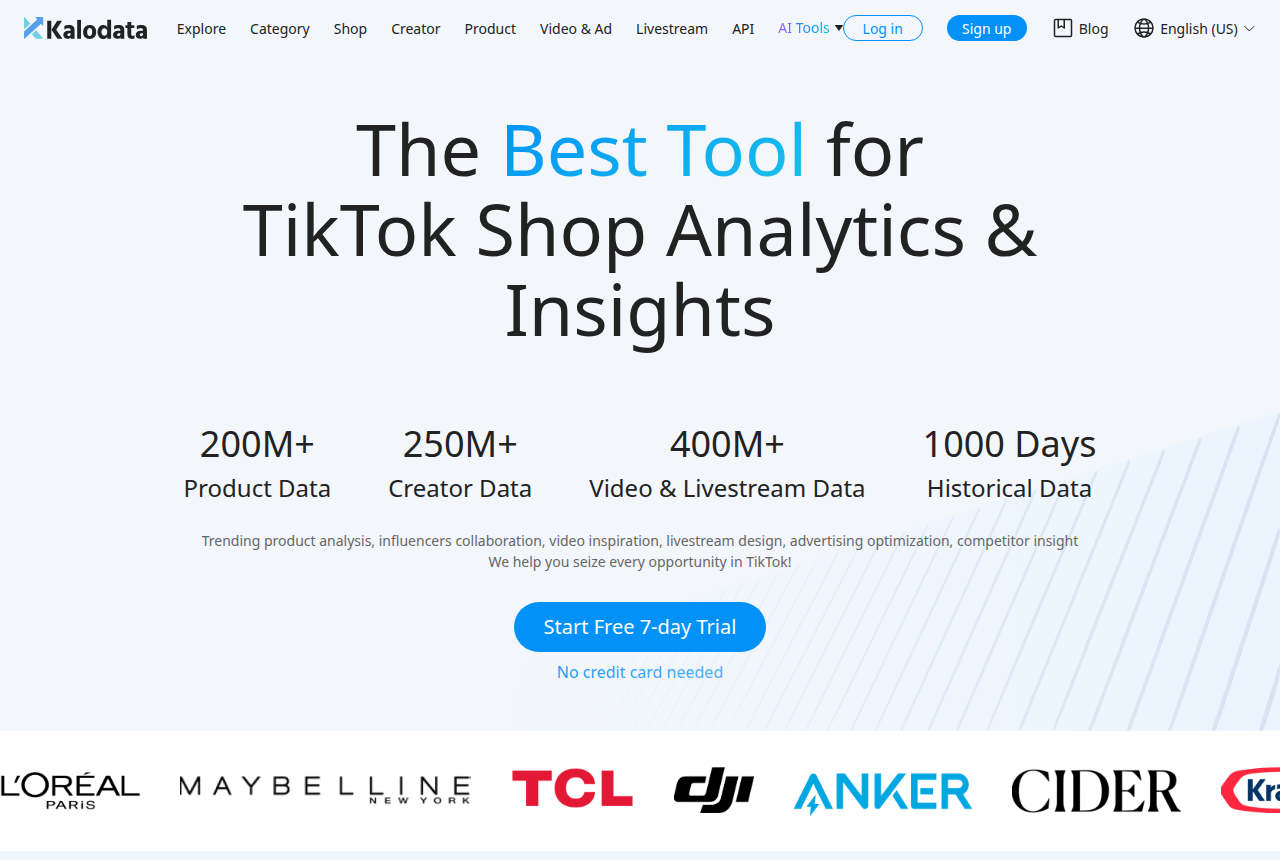
Kalodata is the pick if you choose products from sales history and want the longest view of what a product, shop or creator has sold.
Kalodata tracks TikTok Shop sales across products, shops, creators, videos, ads and livestreams, and keeps up to 1,000 days of history. It suits sellers who pick products from data before they order stock.
What works
- Covers products, shops, creators, videos, ads and livestreams in one account
- Homepage lists 1,000 days of historical data, long enough to see a product's seasonal pattern
- 7-day free trial with no card on the vendor's homepage
- An API for teams that want the data in their own sheets or BI tools
What to watch
- Screens carry a lot of data at once, and newer sellers describe the interface as clumsy at first
- Its Trustpilot sample is small and billing comes up among the complaints, so cancel before the trial ends if it is not for you
- No affiliate or creator outreach automation: you find creators here and contact them elsewhere
2. Reacher: best for outreach at volume
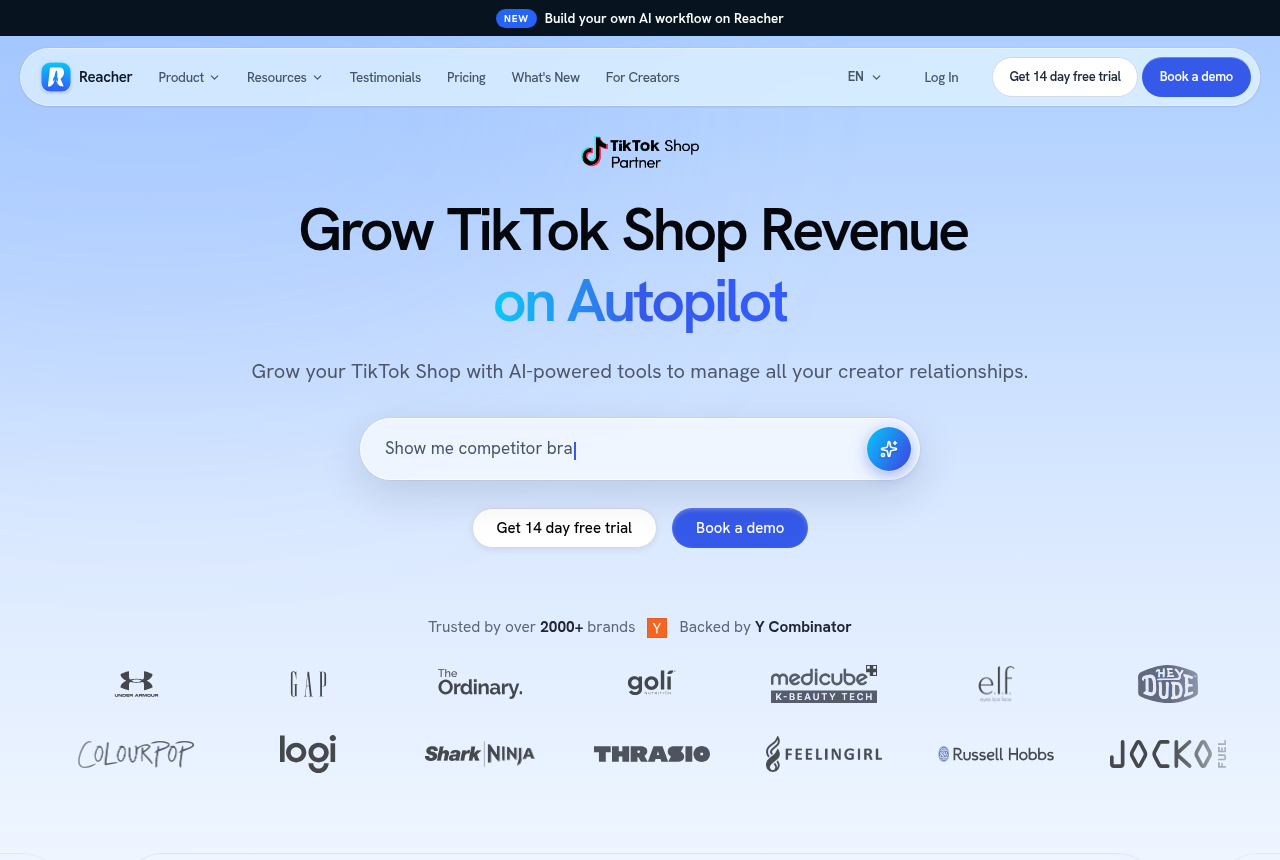
Reacher is the pick if you run a TikTok Shop affiliate program and need to send thousands of creator invites a day without doing it by hand.
Reacher automates the TikTok Shop affiliate program: it finds creators, sends Target Collaboration invites, DMs and emails, tracks samples in a CRM and reports GMV per creator.
What works
- Published daily outreach limits per plan: 1,000 on Starter and 10,000 on Pro
- Automates Target Collaboration invites, DMs and email from one place
- Creator CRM with sample tracking, and AI review of sample requests on Pro
- Clear plan table on the pricing page, and the vendor names its markets (US, UK, Germany, France, Spain, Ireland and more)
What to watch
- AI creator search, automated follow-ups and campaigns sit on the Pro plan, so Starter is mostly volume outreach
- Few independent user reviews yet for a tool founded in 2024, so most proof comes from the vendor's own case studies
- Automated TikTok DMs come only with the Enterprise plan
3. FastMoss: best for creator contacts and ads
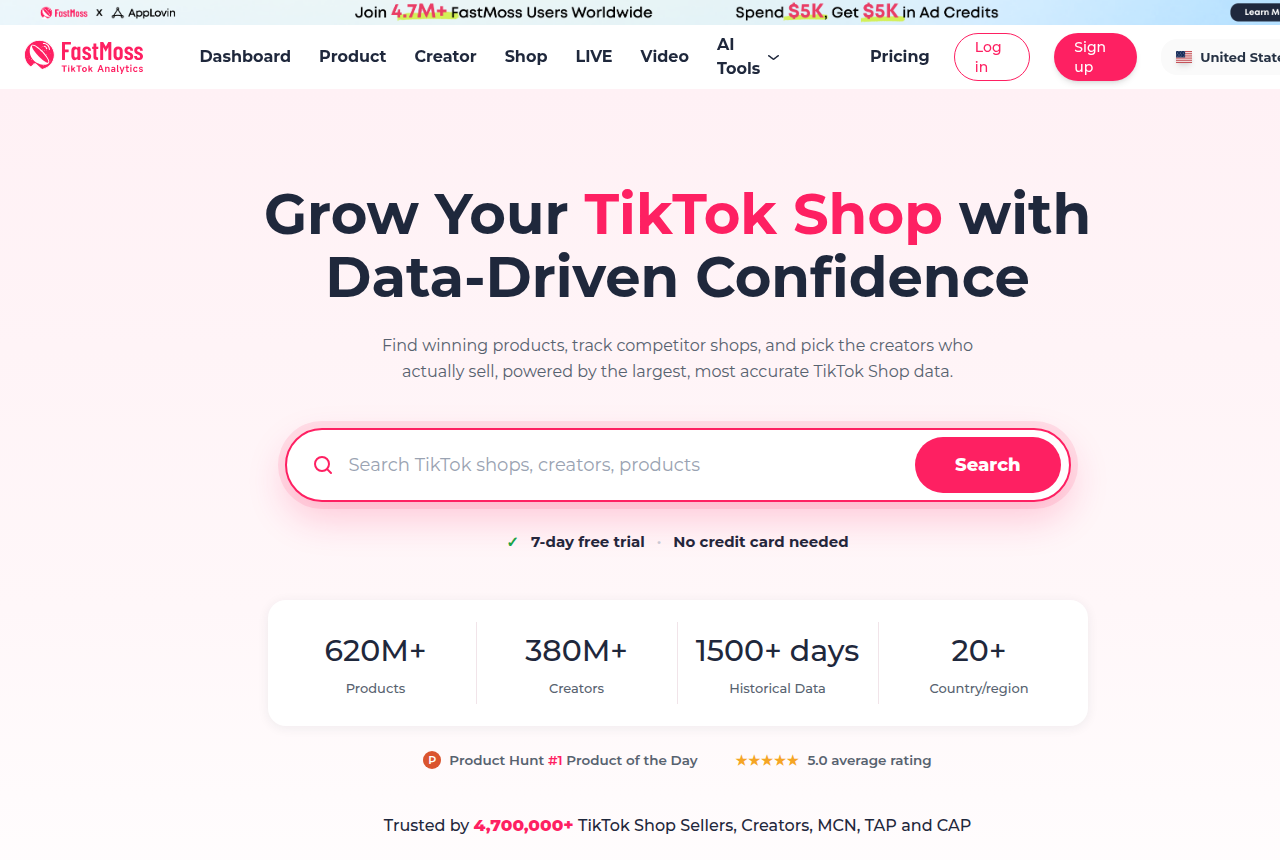
FastMoss is the pick if you want product, creator, LIVE and ad research in one tool and need creator contact details to start outreach yourself.
FastMoss is a TikTok Shop data platform for finding products, tracking competitor shops, vetting creators, watching LIVEs and copying ad creatives, across 20+ markets. It has a 7-day trial with no card.
What works
- Product, shop, creator, LIVE, video and ad research in one account
- Creator contact details on every plan, up to 300 a day on higher tiers
- 7-day free trial with no card and no auto-renewal
- Covers 20+ countries and regions, useful for UK and EU sellers
- Free Chrome extension and AI tools for transcribing and rewriting video scripts
What to watch
- GMV estimates run high: one independent test found them optimistic, so use them to rank products against each other rather than as forecasts
- Entry tiers cap search lists at the top 300 records and detail views at 150 a day
- Plan prices appear in the checkout rather than on the pricing page itself
4. Euka: best for creator retention
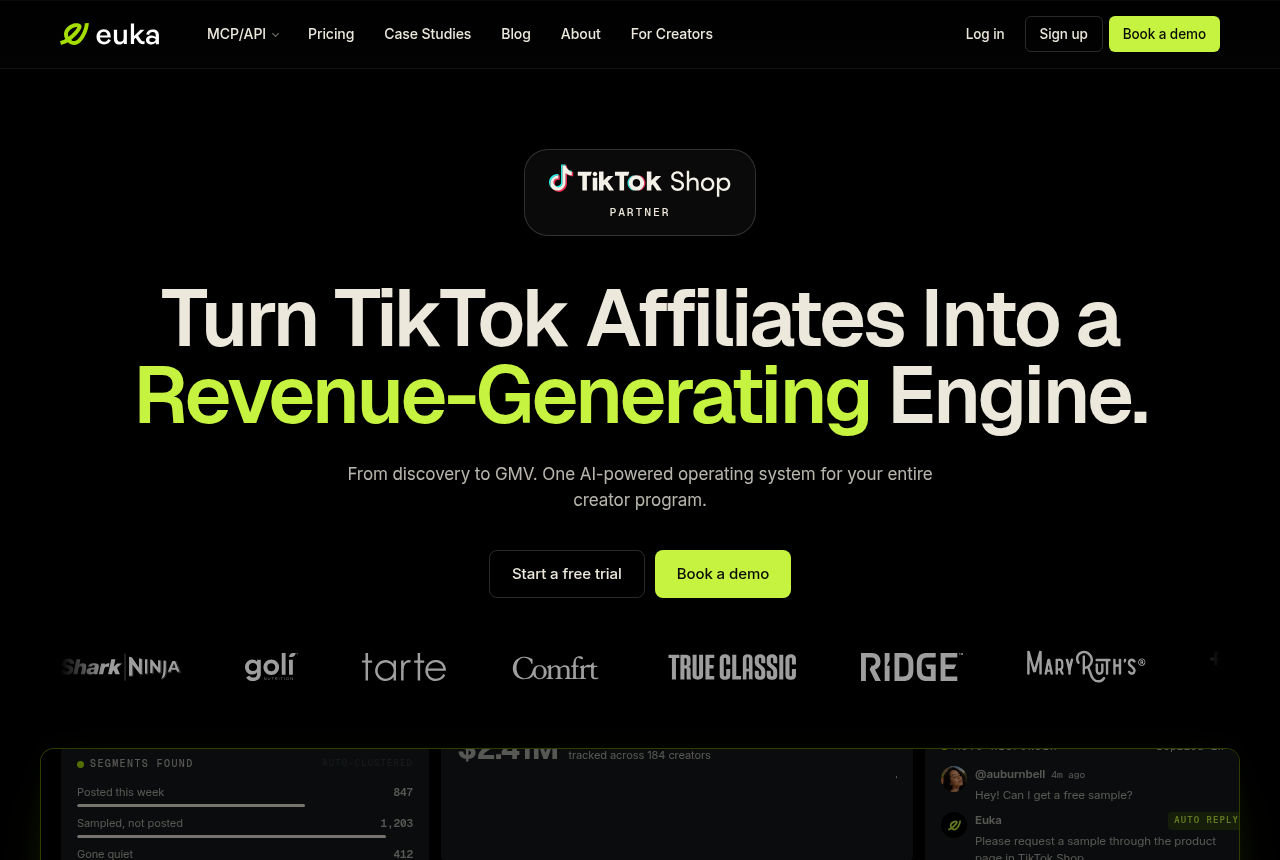
Euka is the pick if creators try your product once and stop, and you want contests, retainers and licensed content to keep them posting.
Euka is a TikTok Shop affiliate platform that runs creator discovery, outreach agents, a CRM, contests, retainers and usage rights for Meta ads, priced per workspace.
What works
- Search creators by plain-English brief or by a reference image
- Contests with leaderboards and retainers with guaranteed video deliverables
- License creator videos and publish them to Meta ads from the same platform
- Starter allows unlimited outreach and CRM during a shop's cold start
What to watch
- Starter caps messages and invites at 10,000 a month and is meant for shops in their first months of sales
- Plan placement of several features is not spelled out, so ask in the demo which plan includes what you need
- Priced per workspace, so agencies with many shops pay per shop unless they negotiate the Agency plan
5. EchoTik: best for LIVE stream research
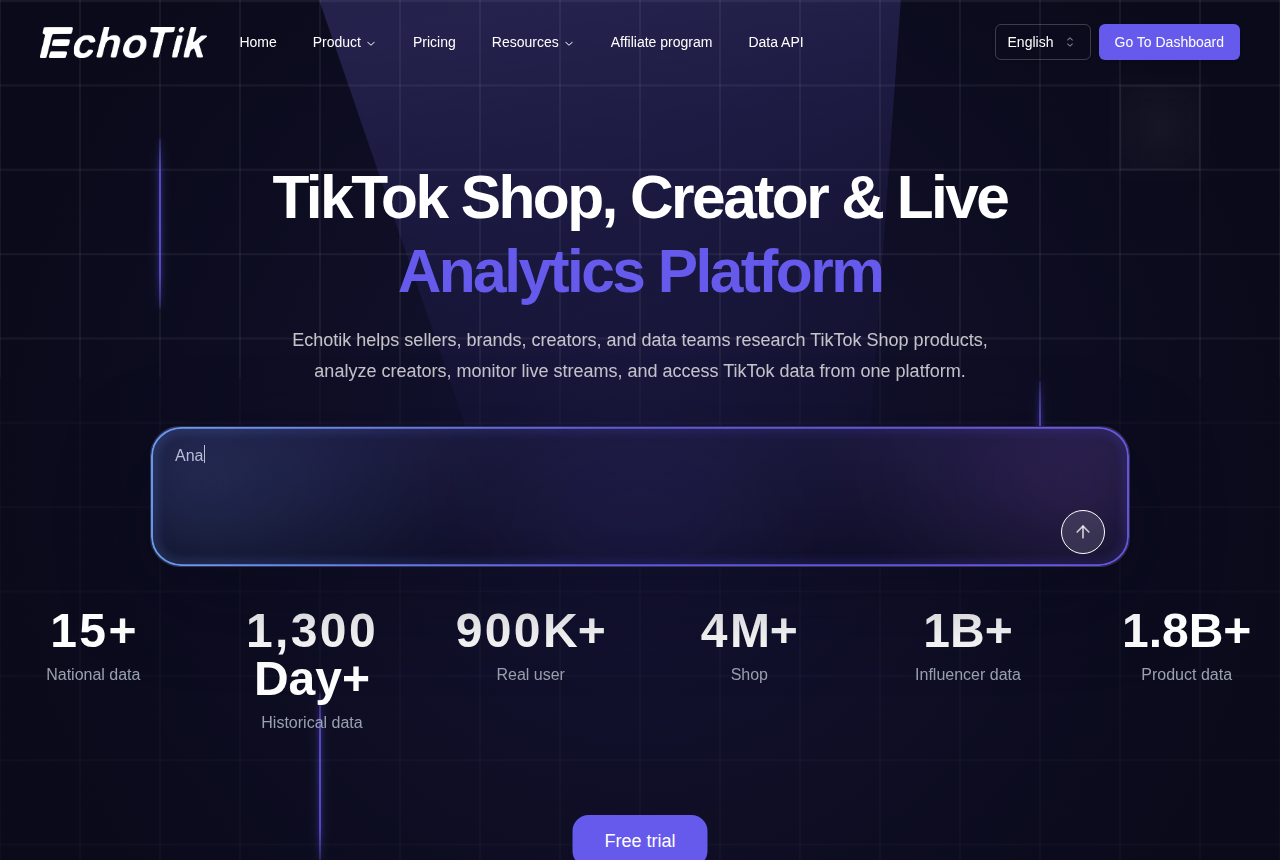
EchoTik is the pick if LIVE selling is a big part of your shop and you want to study high-GMV broadcasts and the creators behind them.
EchoTik is a TikTok Shop analytics platform covering products, creators, competitor shops and LIVE broadcasts, with a Free plan you can keep using at no cost.
What works
- A Free plan that EchoTik's help center says stays free forever
- All four plans and their limits on a public pricing page, with a 7-day unconditional refund on selected paid plans
- A dedicated LIVE screen, plus monthly LIVE monitor allowances on Pro and Enterprise
- A Chrome extension that overlays EchoTik data while you browse
What to watch
- Data history is capped on the cheaper paid plans: Basic covers 30 days and Pro covers 90, so tracking seasonal trends requires Enterprise
- Less independent coverage than Kalodata or FastMoss, and it publishes its own accuracy comparisons against them
- Its sales and GMV figures are estimates, and reviewers recommend checking them against a product whose real sales you know
6. TikTok (Shopify sales channel): best for zero connector cost
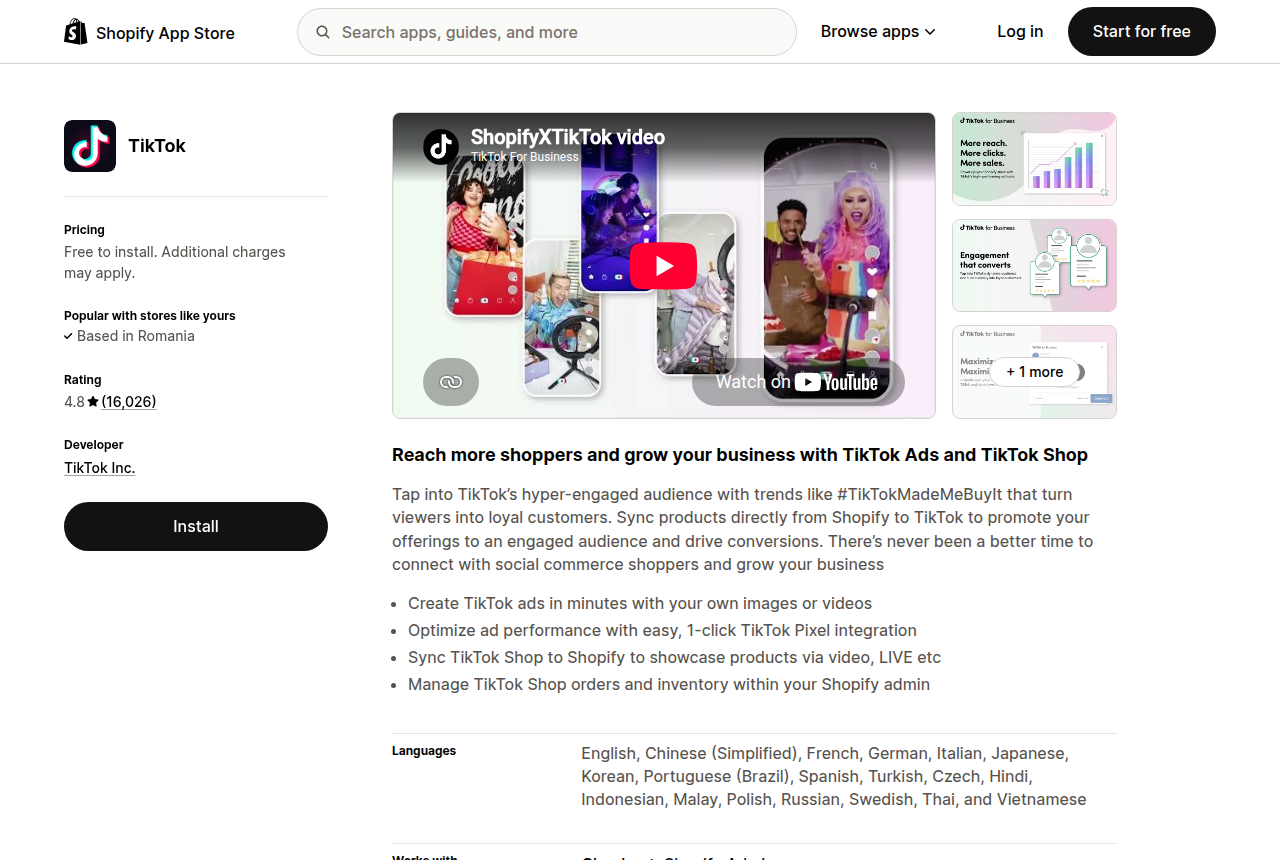
TikTok's own Shopify sales channel is the pick if you sell only through Shopify and want TikTok Shop orders and stock handled without paying for a connector.
Sell on Shopify and want TikTok Shop orders without typing products twice or overselling? TikTok's sales channel app links the two stores: products sync across, TikTok orders land in Shopify, and you ship them from the admin you already use.
What works
- Free to install, and TikTok bills you only for ad campaigns you choose to run
- TikTok Shop orders appear on Shopify's Orders page and are fulfilled from the Shopify admin
- TikTok checks Shopify stock when an order is placed and will not create an order for an item that has sold out
- The most reviewed connector here, rated 4.8 across more than 16,000 reviews on its App Store listing
What to watch
- Refunds have to be completed in TikTok Seller Center, so returns still take you into a second admin
- A recent App Store review describes deleting duplicate listings and redoing product linking after a sync change
- It is a Shopify app, so WooCommerce and other platforms need a third-party connector
7. CedCommerce TikTok Shop: best for WooCommerce and EU regions
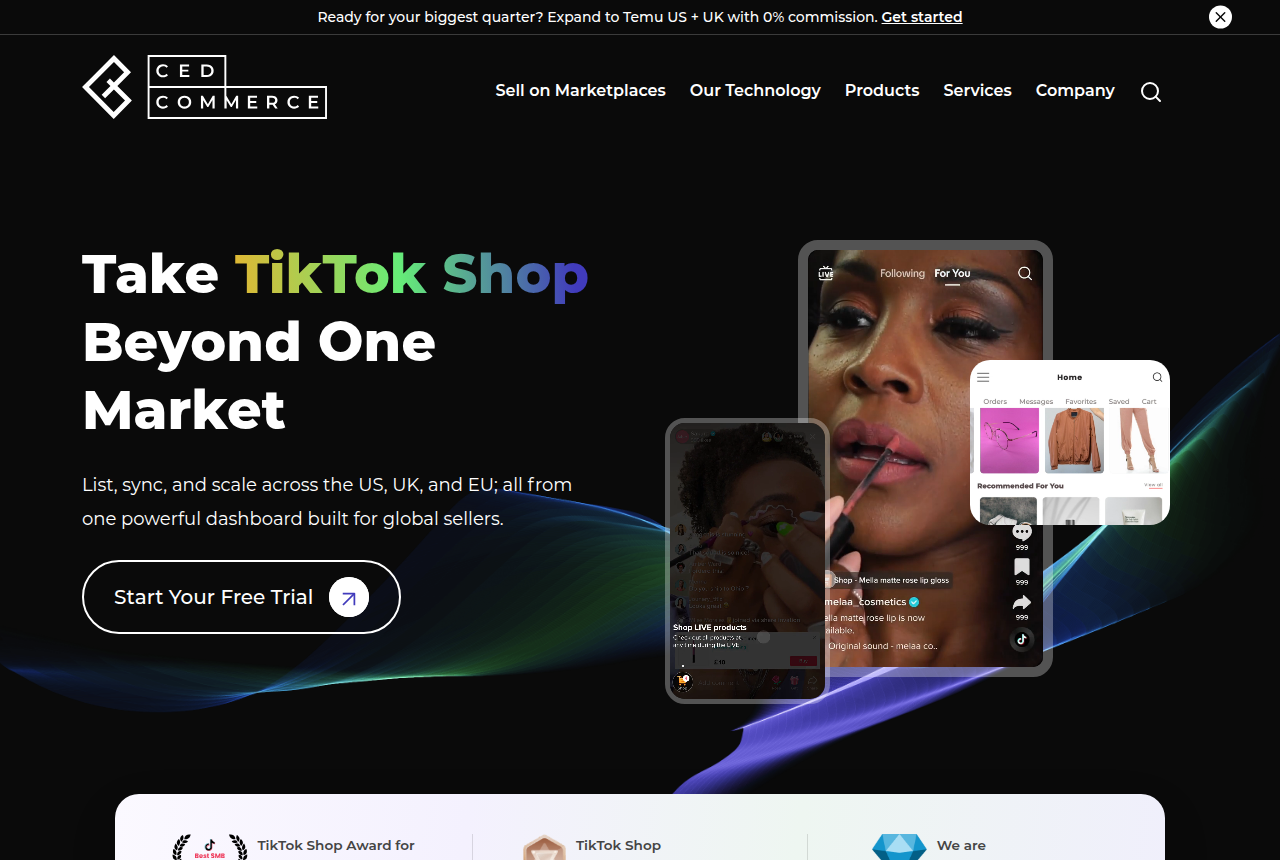
CedCommerce is the pick if you sell from WooCommerce or another non-Shopify store, or want one connector for several EU TikTok Shop markets.
Running WooCommerce, or planning to sell on TikTok Shop in more than one European country? CedCommerce's TikTok Shop connector lists products from your store, keeps orders, prices and stock in step, and covers more store platforms and regions than the other connectors we compare.
What works
- A free plan that lists and syncs up to 100 products
- Besides Shopify, it links WooCommerce and four other store platforms to TikTok Shop
- Bulk upload and category templates for listing a large catalog
- The Growth plan adds five EU TikTok Shop regions to the US and UK
What to watch
- A Shopify merchant reports SKUs that kept syncing after disconnecting, random delays and wrong stock on TikTok
- The plan table on CedCommerce's own site differs from the one on its Shopify App Store listing
- WordPress.org flags the WooCommerce plugin as untested with the last three major WordPress releases
8. LitCommerce: best for selling on several marketplaces
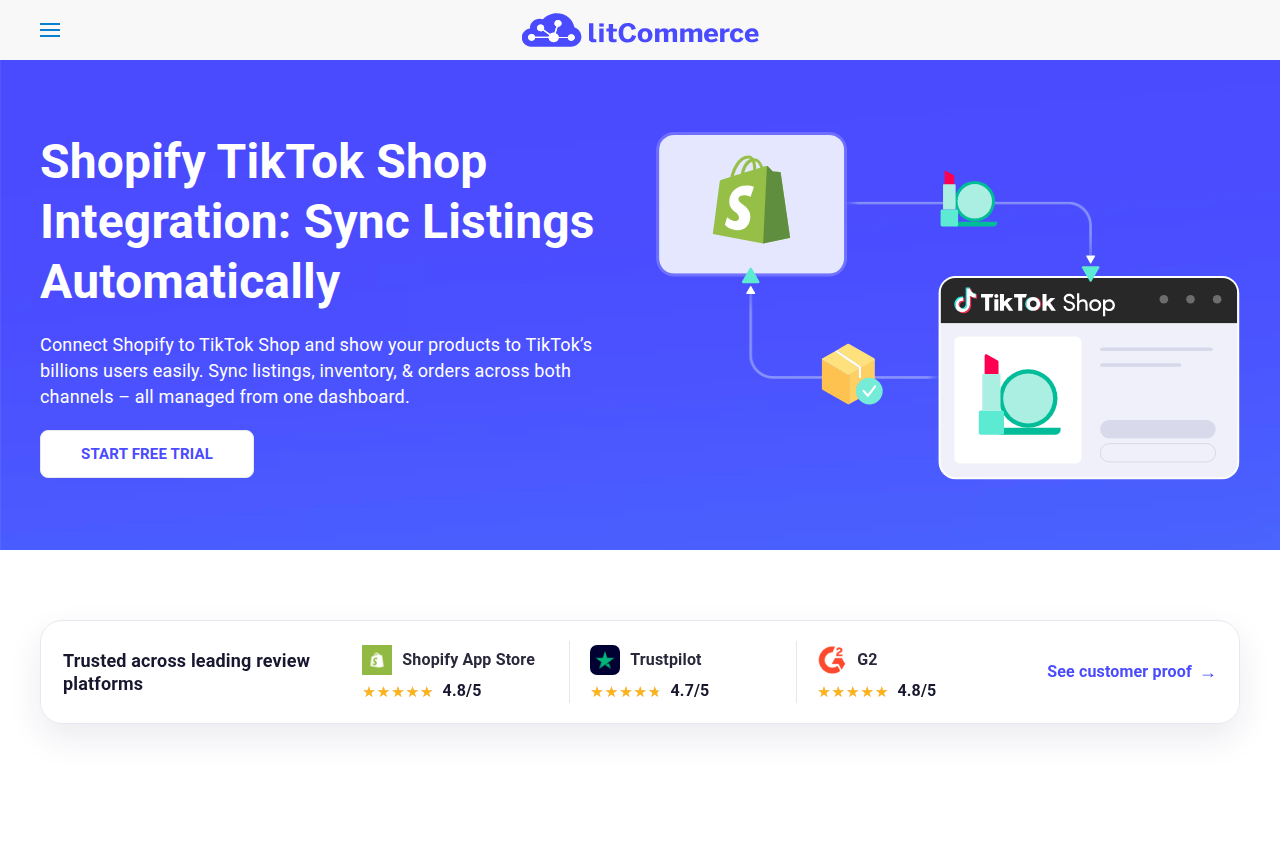
LitCommerce is the pick if TikTok Shop is one of several marketplaces you list on and you want all of them fed from one store and one dashboard.
Already on Amazon, eBay or Etsy and adding TikTok Shop? LitCommerce connects your main store to TikTok and your other marketplaces at once, syncs listings and stock every 15 minutes, and brings TikTok orders back into your store.
What works
- Syncs titles, descriptions, stock and prices from your store to TikTok on a fixed 15-minute cycle
- Imports TikTok Shop orders into your main store, so on Shopify they appear in the dashboard you ship from
- Quick Publish lists products on TikTok in bulk
- Works from Shopify, WooCommerce, Wix, BigCommerce or Square
What to watch
- A 15-minute cycle is slower than the near real-time sync CedCommerce describes
- A Trustpilot reviewer reports that LitCommerce failed to connect to TikTok
- Its entry plan costs more than any other connector we compare
9. VeriSync for TikTok Shop: best for unlimited SKUs for less
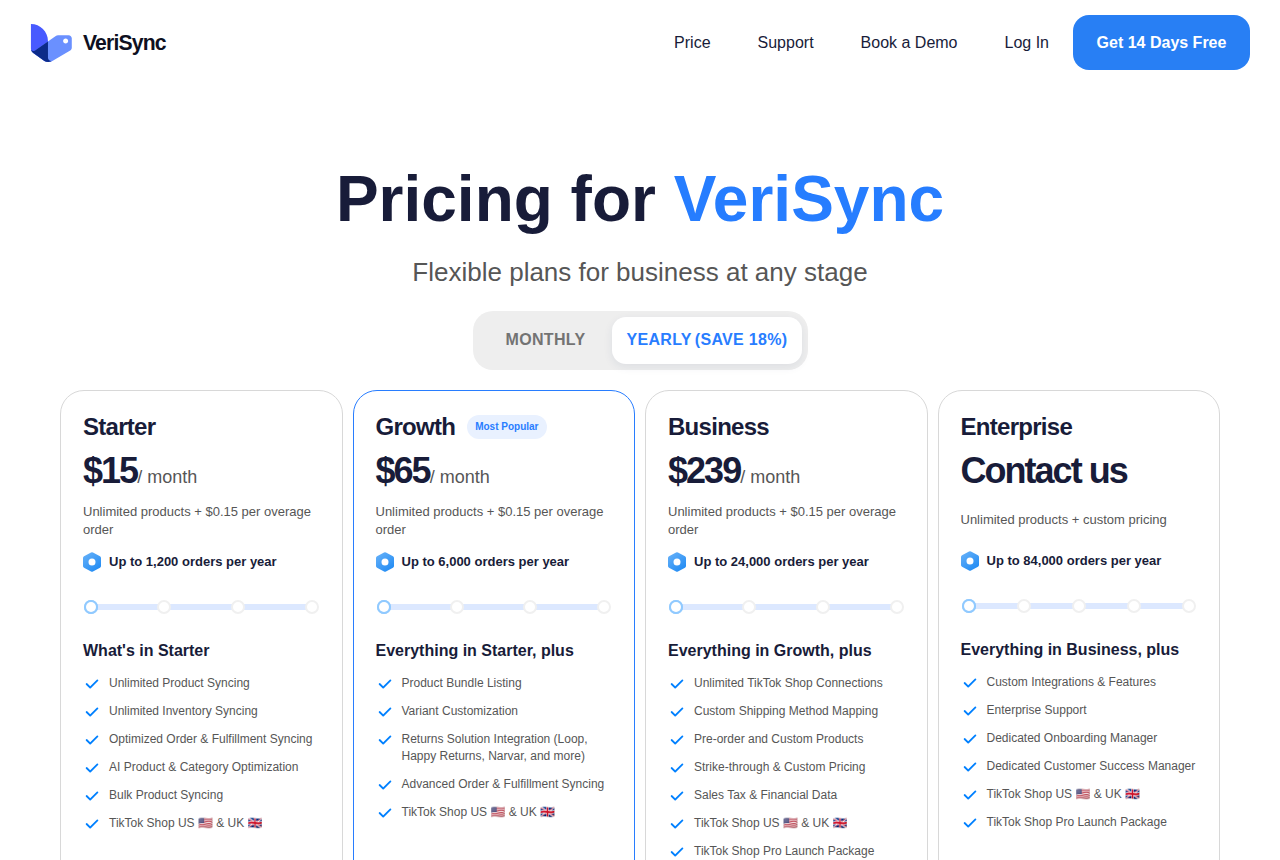
VeriSync is the pick if you have a large catalog and modest TikTok order volume, because every plan syncs unlimited products and the price rises with orders instead.
Thousands of SKUs and a TikTok Shop that is still small? VeriSync syncs every product and its stock on every plan, and charges by how many orders you take in a year.
What works
- Unlimited product and inventory syncing on every plan
- Plans step up by yearly order volume, with a per-order fee above the allowance instead of a forced upgrade
- Growth adds returns integrations with Loop, Happy Returns and Narvar
- AI product and category optimisation and bulk product syncing from the entry plan
What to watch
- Its published plans cover TikTok Shop in the US and UK only
- Installing through the Shopify App Store bills you on the App Store's tiers, which differ from the prices on verisync.io
Winners by seller
Choosing products to stock
Winner: Kalodata. Runner-up: FastMoss. The winner keeps the longer sales history, while the runner-up flags rising products sooner.
Recruiting creators fast
Winner: Reacher. Runner-up: Euka. The winner publishes a daily outreach cap for each plan. The runner-up limits its entry plan by your shop's monthly sales.
Keeping creators posting
Winner: Euka, for contests, retainers and licensed creator ads. Runner-up: Reacher, whose campaigns sit on its Pro plan.
Doing research and outreach alone
Winner: FastMoss, because creator contacts come with the research. Runner-up: Kalodata plus Seller Center's free Affiliate Center.
Connecting your store
Winner: TikTok (Shopify sales channel). Runner-up: CedCommerce TikTok Shop. The winner costs nothing for a Shopify store, and the runner-up also connects WooCommerce and EU regions.
What to avoid
Shoplus. It still appears on many 2026 lists of TikTok analytics tools, but Shoplus announced that it stopped operating on 19 September 2026, with refunds to active paid users until 4 October. Any list that still recommends it was not checked recently. Our Shoplus review keeps its last plans and names a replacement for each job it did.
Paying for outreach before you have a product that sells. Outreach subscriptions cost several times what a research tool does. If you have not yet had organic sales or a few creators post on their own, that money buys invites for an unproven product. Seller Center's Affiliate Center sends invites for free while you find out.
Treating GMV estimates as forecasts. Every research tool estimates sales from what it can see. An independent test found one tool's figures optimistic on average. Use the numbers to rank products against each other, then order a small batch.
How we ranked them
We read each vendor's homepage, pricing page and, where it has one, its own comparison pages. That is where prices, trials and plan limits on this page come from. Then we read what users report on G2, Trustpilot and independent seller write-ups, which is where the drawbacks come from. We weigh four things: whether the tool does its job for a TikTok Shop seller specifically, what the entry plan really allows, how easy it is to test before paying, and how much independent proof exists. Each tool gets one claim no other tool on the list shares. No vendor pays to be listed or ranked. Our research method page sets out the full rubric.
How to open a TikTok Shop seller account
You have decided to sell on TikTok Shop, and the tools above can wait until you have a shop. The hard part is Seller Center's sign-up: which seller type to pick, which ID TikTok accepts, and why products you upload stay invisible for a while. This section follows the order of TikTok's own US registration guide, then covers the UK and what to do when verification stalls.
GMV Ledger is independent of TikTok, so the application itself happens on TikTok's site. When your documents are ready, start your US application in Seller Center.
Before you click Sign up
- A phone number or email no other TikTok Shop uses. TikTok's seller requirements refuse a contact already tied to another shop, so a second shop needs fresh details.
- A password of 6 to 20 characters that mixes letters, numbers and special characters.
- Residence in the shop's country. A US shop is for people who live in the US. Politicians are barred from selling on TikTok Shop altogether.
- Your seller type, settled in advance. You register as an Individual or as a business, and that choice decides which documents TikTok asks for. Moving from one to the other later goes through TikTok's seller entity change process, so register under the structure you will actually sell as.
- An invitation code, if TikTok sent you one. The form has a field for it that applies only to some sellers, and TikTok links the code to your business identity. Without one, leave it empty.
An Individual seller must be at least 18 and verifies with one of four US documents: a passport, a driver's license, a state ID or a permanent resident card. TikTok's Individual registration guide also asks for the last four digits of your Social Security number (or an ITIN) and bank details, and some applicants are asked for proof of address and a W-9 form.
Six steps in Seller Center
- Register. On the US sign-up page, enter your phone or email with the United States as your region, accept the terms, and add the invitation code if you have one.
- Verify the business. Upload your ID and type your details exactly as the document shows them. TikTok's document guide for beginners wants a valid, unexpired ID, legible and uncropped, as a JPG, PNG, JPEG or PDF under 10 MB.
- Add tax information. You can list and sell without tax documents until you have earned $2,000. After that, TikTok stops further sales and payouts until the documents are in. Its shop setup guide also counts a completed W-9 among the steps before shoppers can see your products, so file it now while the paperwork is on your desk.
- Enter payment details and addresses. Add the bank account that receives payouts, then your warehouse and return addresses.
- Upload at least one product. Listings stay hidden from shoppers until document verification finishes, which is why TikTok tells you to complete every earlier step first.
- Link an Official TikTok account. This is the final step in TikTok's registration guide.
TikTok then reviews the shop. According to its setup guide, uploaded products show as Pre-approved during the review and move to Live once the shop is approved. The guides promise no fixed review time, so wait for the Live status before you invite creators or ship samples.
Selling from the UK
UK sign-up follows the same pattern in TikTok Shop's UK Seller Center, with a UK phone number or email. The decision that matters comes early, when you say whether you are a sole trader, a privately owned or publicly listed company, a state-owned body or a charity. TikTok's UK guide says this choice sets your verification requirements and cannot easily be changed. Its help page is firmer still: TikTok Shop does not amend seller types, and switching means a new application.
A sole trader registers with a UK passport or driving licence, a selfie holding that ID, proof of a UK address, and details of the UK warehouse where the stock sits, as TikTok's UK registration walkthrough shows. UK commission is charged at a different rate from the US referral fee, and our TikTok Shop seller fees guide sets out both.
When verification stalls
Read the rejection reason before changing anything. For category approvals, TikTok's category qualification guide says the reason appears in Seller Center or your inbox, and you resubmit corrected documents through the Qualification Center. Missing or mismatched documents are the rejection sellers report most often.
Identity rejections are harder to clear. Seller threads from 2025 and 2026 describe passports and IDs refused on new applications after an earlier account was deactivated, or after an ID was used during a renewal, with support sending the same stock refusal each time. Sellers in those threads read it as a flag on the identity itself, so a sharper scan or a fresh account under the same ID tends to be rejected again.
After approval: margins before software
Once your products are Live, put real numbers through the TikTok Shop fee and profit calculator before you subscribe to anything on this page. It shows what each order leaves you after TikTok's fee and the creator's commission. Then settle shipping: Fulfilled by TikTok vs shipping yourself compares the three US options.
If you already sell from your own store, connect it next. TikTok (Shopify sales channel) is free to install and sends TikTok orders to your Shopify order page, and CedCommerce TikTok Shop does the same job for WooCommerce.
With the shop live and the margin known, return to the ranked list: a research tool if you are still choosing what to stock, outreach once creators are what holds sales back. If you have not applied yet, open your US seller account in Seller Center.
How to choose
Start from your bottleneck. If you do not know what to sell, buy research first. If you know what sells but too few creators post about it, buy outreach. If creators post once and disappear, look at retention tools.
Then check three numbers in the trial: the daily limit you hit first, the history window, and for outreach tools the reply rate on your first hundred invites. Run competing trials in the same week on the same products so you compare like with like.
Finally, work out whether the tool pays for itself. Our TikTok Shop fee and profit calculator shows your margin per order after TikTok's fee, creator commission and ad spend, which tells you how many extra orders a $199 subscription has to bring in.
Finding and paying TikTok Shop creators
Once the tools are picked, the work is the same for every shop: find creators who fit the product, get samples to the right ones, and make sure each sale pays the creator who drove it. TikTok's Affiliate Center in Seller Center handles all three at no charge, so start there and add software once sending invites by hand takes more hours than you have.
Do the step that saves the most money first. Before you approve a large batch of free samples, put your selling price, product cost, sample cost and commission into the creator sample ROI calculator. It shows how many sales the batch needs to break even.
Step 1: Choose open collaboration, target collaboration, or both
TikTok Shop gives sellers two ways to work with creators. An open collaboration makes your products visible to every TikTok Shop creator, with an optional approval step. A target collaboration is an invitation to creators you choose, for products you choose, and they can start promoting the moment they accept. The Seller Center clicks, the score that blocks new products, and how commission hits the payout are covered in Get TikTok Shop creators selling your products.
A product can sit in both at once. TikTok then applies the target commission over the open one, and its own guidance is to set the target rate higher. For a new shop, a sensible split is open collaboration plus samples to collect applications, then target invites at a better rate for the creators you have already vetted.
Step 2: Search for creators in Seller Center
Affiliate Center's Find Creators page is the free search, and it is where every invite ends up being sent, whichever tool you used to build the shortlist. Turn on the "Not invited in past 90 days" filter to keep creators you have already invited off your list.
A shop with no sales history faces a slower start. Sellers report fewer inbound applications since creators began filtering shops by their sales record, and the advice that comes back in seller threads is to begin with nano creators of around 1,000 followers before approaching micro or macro accounts.
If you want proof before you invite, look the creator up in a research tool first. Kalodata covers creators in its analytics, so you can see what someone has sold before they get a sample. FastMoss also shows creator contact details for a DM or an email outside TikTok. Shortlist there, then send the invite in Seller Center.
Step 3: Set commission, samples and approval rules
Commission is a percentage of GMV on each order. On open collaborations, US sellers can choose anything between 1% and 80%, or let TikTok set an optimized rate based on the top-performing 30% of products in the shop and the marketplace. TikTok's referral fee comes off the same order, so read our TikTok Shop seller fees guide before you settle on a rate.
Free samples are where budgets leak. Creators request them in Affiliate Center and you approve or reject each request. TikTok's creator guidance adds that a seller may simply ignore one, and a free request left unreviewed cancels itself after seven days. Turn down creators whose videos sit outside your category, because a sample sent to the wrong audience costs exactly what a good one does.
Step 4: Decide how much outreach you can do by hand
Sending target invites from Seller Center is manageable while you are inviting a few dozen creators. Past that, outreach software sends the invites and follow-ups for you.
Reacher runs Target Collaboration invites, DMs and email automation on every plan and sets a daily outreach cap per plan, with AI creator search from Pro upward. Euka organises creators into segments and adds contests and retainers to keep them posting, and its Starter plan is limited by your shop's monthly GMV. Our Reacher vs Euka comparison puts the two side by side.
FastMoss fits a seller who would rather write to creators personally, since its plans unlock a few contact views a day at the bottom and far more higher up. Kalodata automates neither invites nor DMs, so pair it with Seller Center or an outreach tool.
Automation multiplies whatever offer you send. Sellers who shipped free samples through target collaborations describe creators who took the product and never posted, so a weak commission or a loose sample policy sent at higher volume only buys more of the same result.
Step 5: Know who pays the creator, and for what
For a standard affiliate order you never pay the creator yourself. TikTok Shop pays the commission automatically when a sale is made, which is why TikTok describes the program to sellers as paying only on sales.
Two costs sit outside that. Samples are product and postage you carry whether or not the creator posts, and that is the figure the sample ROI calculator tracks. Retainers, contest prizes, flat fees and licensed creator ads are separate deals, run through an outreach platform such as Euka or a contract of your own, while TikTok keeps paying the shop commission on attributed orders.
Keep one record of who earned what. Seller Center's affiliate data or your outreach tool's CRM should be where you settle a dispute and decide who gets the next sample.
Step 6: Match the workflow to your shop's stage
- No sales yet. Open collaboration, target invites to nano creators, strict sample approvals, and a pass through the ROI calculator before every batch. Paid software can wait.
- A product that keeps selling. Raise the target commission on that product, check a creator's sales in FastMoss or Kalodata before inviting, and keep sending the invites from Seller Center.
- Hundreds of invites a week. Use Reacher to send invites and DMs in bulk. Choose Euka when creators take samples and never post, or when you need to keep your best ones active.
Your next move: work out how many sales your next sample batch needs to break even.
What is a TikTok Shop tool?
A TikTok Shop tool is software built around TikTok Shop's own data and workflows: product and shop sales estimates, creator rankings, LIVE stream analytics, and automation for the Affiliate Center's Target Collaboration invites, samples and commissions. General social media schedulers and ecommerce analytics suites can touch TikTok, but they do not read TikTok Shop sales or manage its affiliate program.
TikTok Shop tools: questions
Which TikTok Shop tool should a new seller buy first?
Do I need a creator outreach tool?
Are the sales numbers in these tools accurate?
Do these tools work for UK and EU shops?
Do I have to pay TikTok Shop creators myself?
Is Shoplus still available?
How long does TikTok Shop take to verify a new seller?
What ID does a US individual seller need?
Can I switch from an Individual account to a business account later?
Changes to this page
- Added four store integration connectors for Shopify and WooCommerce.
- Added how to open a TikTok Shop seller account in the US and UK, with what to do when verification stalls.
- Added a six-step guide to finding creators, sending samples and getting creators paid.
- First published with five tools. Shoplus left out after its shutdown notice.
What we read
From Kalodata
Other sources
21 discussions and reviews read for this page. Quotes are excerpts; open a link to read the original in context.
- [tp1] Kalodata Reviews
- [tp2] Kalodata Reviews
- [tp3] Kalodata Reviews
- [dooken1] Kalodata im Check 2026
- [reddit-auto-approve] Affiliate orders are FLYING IN
- [reddit-nrr-block] Blocked from Affiliates due to Negative Review Rate
- [f1] https://www.trustpilot.com/review/fastmoss.com
- [f2] https://www.sellerstacked.co/blog/fastmoss-review
- [f3] https://www.sellerstacked.co/blog/kalodata-vs-fastmoss
- [t1] Euka Reviews
- [t2] Euka Reviews
- [tok1] EchoTik Review 2026
- [tok2] EchoTik Review 2026
- [del1] EchoTik Review 2026
- [s1] TikTok Shopify app reviews
- [h1] Shopify Help Center: TikTok orders
- [h2] Shopify Help Center: TikTok orders
- [s2] CedCommerce TikTok Shop reviews
- [s5] CedCommerce WooCommerce plugin review
- [s3] LitCommerce Shopify reviews
- [s4] LitCommerce Trustpilot
Related reading
Written by
Nora Whitfield
Editor, seller tools and fee calculators
Nora Whitfield edits GMV Ledger's reviews, head-to-heads and calculators. She reads each vendor's own pricing, feature and help pages, then long-running seller threads and review sites, and writes down where a tool's price or limits change what a TikTok Shop seller should buy. She checks fee figures against TikTok Shop's Seller University pages before they reach a calculator.
Last checked 2026-10-19