Store integration
Which WooCommerce connector fits
Your products live in WooCommerce. TikTok Shop orders and stock live in Seller Center. TikTok's own app syncs a Shopify catalog, so a WooCommerce shop needs a connector. I'd install CedCommerce if EU markets are part of your plan, and LitCommerce if your store already feeds other marketplaces.
Plan limits on the cards come from each vendor's pricing page and from the WordPress.org listings. We have not run these tools. Our methodology page explains how we research seller software.
New shop connections will stop
TikTok's notice on its WordPress plugin gives the cutoff in one sentence: "Starting 2nd March, the official TikTok WooCommerce plugin will no longer accept new TikTok Shop connections."
The same notice says, "We will be discontinuing the Tiktok shop features from June 1, 2026 on this plugin." Ad features will remain. The listing then sends sellers to the TikTok Shop App Store to pick a connector.
A WooCommerce seller using that official integration was receiving TikTok orders while the WooCommerce side stayed out of sync. That is the gap the App Store connectors are meant to close.
1. CedCommerce: best for WooCommerce in EU markets
CedCommerce's TikTok Shop page describes order, price and inventory updates as near real-time. On WooCommerce the connector is the WordPress plugin CedCommerce Connector for TikTok Shop. On that same page, the Growth plan adds Germany, Spain, France, Italy and Ireland to the US and the UK.
WordPress.org warns that the plugin has not been tested with the last three major WordPress releases. Sellers also describe stock that drifts from the TikTok listing, and a product count in the app that does not match the shop.
The CedCommerce review goes through the Shopify and WooCommerce plans. If that WordPress notice rules the plugin out, the alternatives page lists other connectors.

CedCommerce TikTok Shop
- Prices read
- 23 Oct 2026
- Free
- Lists and syncs up to 100 products in one US or UK region
- Imports
- Unlimited imports from the store on the free plan
- Growth
- $89 a month for Growth on the vendor grid
- Trial
- 7-day trial on the TikTok Shop pricing section
Near real-time sync for a WooCommerce catalog, with EU markets on Growth.
2. LitCommerce: best for other marketplaces
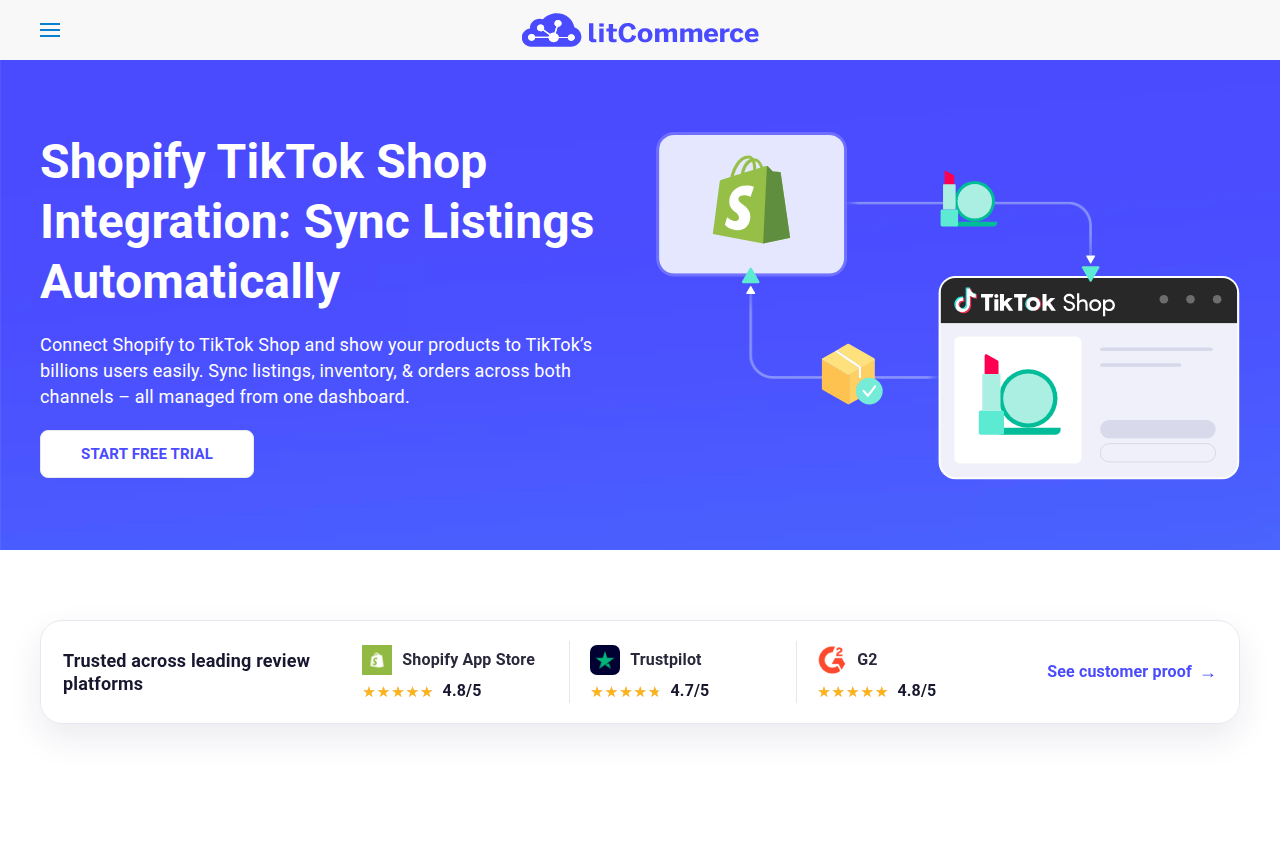
LitCommerce's WooCommerce integration syncs inventory and orders on a 15-minute cycle. When WooCommerce is the main store, TikTok Shop orders can be imported into the WooCommerce orders screen. You can install the LitCommerce plugin on your store, or connect your store from inside the LitCommerce app.
On orders that TikTok ships, the marketplace encrypts the buyer's details, so those details are missing from the imported WooCommerce order. A seller whose official plugin had stopped matching orders later reported that LitCommerce worked.
The LitCommerce review covers the multichannel dashboard. The alternatives page lists other ways to feed more than one marketplace.
LitCommerce
- Prices read
- 23 Oct 2026
- Entry
- Pay as you go from $29 a month on the public pricing page
- Trial
- 7-day trial with the Multichannel Listing plan
One WooCommerce store feeding TikTok Shop and other marketplaces, on a 15-minute cycle.
How to choose between them
The free CedCommerce plan covers one region. The Growth plan is the one to choose once you start selling in a second European market. Choose LitCommerce when WooCommerce also has to feed other marketplaces.
| Connector | Connects from | Sync cadence | Free tier | EU regions | Orders in WooCommerce |
|---|---|---|---|---|---|
| CedCommerce TikTok Shop | Shopify, WooCommerce, Adobe Commerce, PrestaShop, BigCommerce, Etsy | Near real-time | One US or UK region | Growth adds five EU markets | Order, price and inventory updates |
| LitCommerce | Shopify, WooCommerce, Wix and more | Every 15 minutes | Paid entry | Not listed on the WooCommerce page | Imported into WooCommerce |
On CedCommerce, the product limit on the free plan and the import allowance are separate rows on the card. If the catalog lives in Shopify, TikTok's own channel is free to install. How to connect Shopify to TikTok Shop is the setup and the sync fixes. The Shopify channel review covers that app, and the comparison with CedCommerce is for sellers who are deciding whether to switch.
The plan picker asks which store holds the catalog. Selecting WooCommerce recommends CedCommerce first. If you select a paid tier and a larger catalog, the picker also includes LitCommerce.
Connect WooCommerce to TikTok Shop
The shop has to be approved to sell before either connector has a Seller Center account to link. The TikTok Shop seller requirements guide covers that approval.
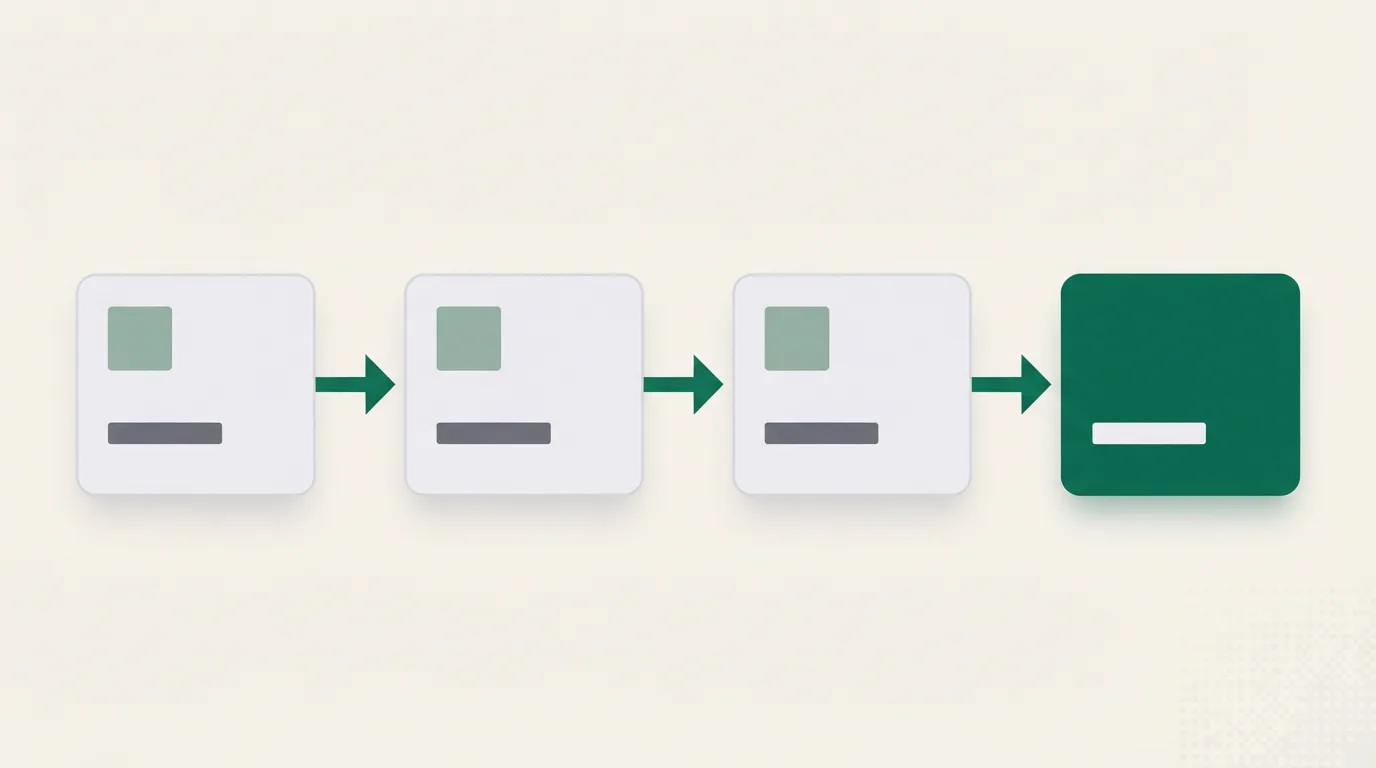
After approval, both connectors follow the same four steps.
- Install the connector.
- Link the TikTok Shop account in Seller Center.
- Match products by SKU.
- Turn on order sync.
For CedCommerce, the WordPress.org plugin to install is CedCommerce Connector for TikTok Shop. Check that listing's WordPress compatibility notice before you activate the plugin.
For LitCommerce, install the plugin on WooCommerce or connect the store from inside the LitCommerce app. Set WooCommerce as the store that listings, inventory and orders run through. In Channel Settings, turn on price, inventory and order sync.
My take
I'd start with CedCommerce on a WooCommerce catalog selling in the US or the UK, and move to Growth when a second European market opens. Choose LitCommerce when your products also need to reach other marketplaces and a scheduled sync is acceptable.
I'd pause if the shop runs a WordPress release newer than the ones that plugin listing was tested with. CedCommerce's TikTok Shop page still describes the same sync.
WooCommerce and TikTok Shop questions
Does TikTok integrate with WooCommerce natively?
Is there a free TikTok Shop WooCommerce plugin?
Which connector syncs orders into WooCommerce?
How is this different from Shopify?
Changelog
First version. Official plugin end dates, CedCommerce and LitCommerce for a WooCommerce catalog, and the setup checklist.
Related reading
Sources
Written by
Nora Whitfield
Editor covering seller tools and fee calculators
Nora Whitfield edits GMV Ledger's reviews, comparisons and calculators. She reads each vendor's pricing page, feature pages and help docs, then seller forums and review sites, and notes when a price or a limit should change what a seller buys. She checks fee figures against TikTok Shop's Seller University pages before they reach a calculator.
Last checked 2026-10-23
Comments
No comments yet. Questions and your own experience are welcome.
Thank you. Your comment will appear once it has been reviewed.